

 GTA 6

How to Prepare for GTA 6 Release Quick Summary:
- GTA 6 launches on PS5 and Xbox Series consoles on November 19, 2026.
- Make sure you have enough free storage before preload starts.
- Decide between the Standard and Ultimate editions before buying.
- Check your account region, preload settings, and console updates ahead of launch.
- Leave some extra storage space for possible day-one patches.
With the ginormous size of GTA 6, 200+ main missions and a ton of collectibles, getting a Platinum Trophy is gonna be a headache. Lucky for you, we have a GTA 6 Trophies Boost where you can either order a full Platinum run or pick separate achievements for a very low price.

Read closely 
Browse our hottest GTA 6 Boosting services






How to Prepare for GTA 6
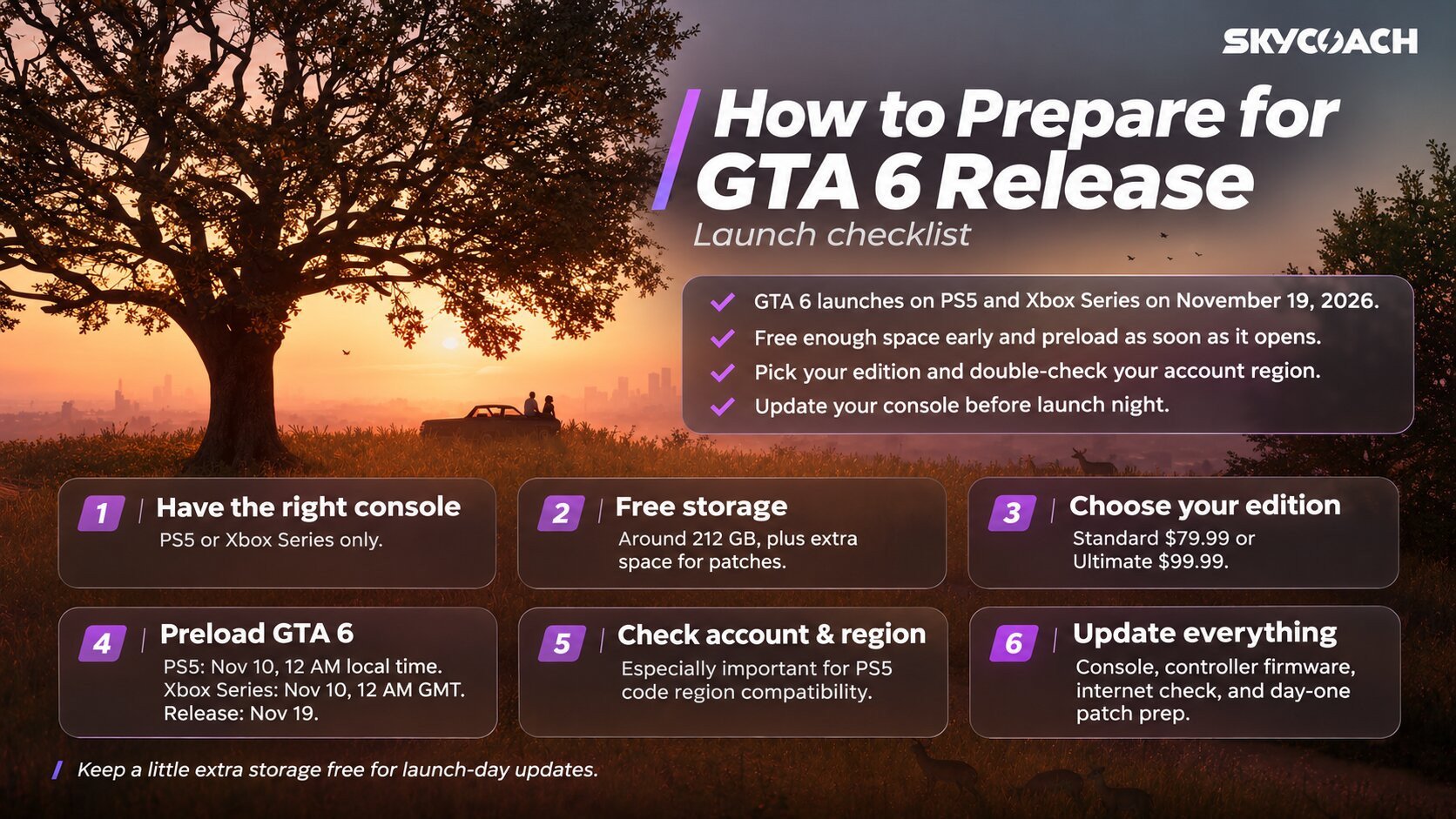
Some people might say that the game is overhyped, but you can’t deny that the GTA 6 release is an event of a scale the industry hasn’t seen in quite a while. FOMO is real right now. Lots of people will take a day off or maybe even a vacation on November 19, and the Internet will be filled with people sharing their emotions from experiencing another R* masterpiece. I’m not gonna talk about “stock up on snacks and diet soda”, but instead I’ll create a short checklist in which we’ll go over all potential hiccups you might encounter that’ll ruin your night when the game launches. Together, we’ll make sure that we’re both prepared for the GTA 6 launch and that nothing can stop us from enjoying it. Here’s a GTA 6 pre-release checklist:
- Make sure you have a console
- Free up your storage space
- Decide on the edition
- Preload GTA 6
- Check your account and region settings
- Check for all updates before the game release
I’ll go over each of the mentioned points in brief paragraphs so you can make sure that you’re ready for the game. Feel free to skip sections that you don’t care about. Now, without further ado, let me get you ready for the GTA 6 launch.
1. Make Sure You Have the Right Console
The name of this section might throw you off, but when I was researching for the article I was surprised to find out how many people don’t actually know that GTA 6 will be released only on PS5 and Xbox on 19 November 2026. GTA 6 doesn’t come out on PS4, Xbox One, Steam, or Epic. PS4 and Xbox One are pretty clear: their hardware is severely outdated, and GTA 6 will not even launch on them. As for PC, the situation isn’t as straightforward. According to rumors LINK, GTA 6 might come out in early 2027, so if that’s the case, you’re still missing out, but at least you won’t have to fight for a couple of years as you did with previous entries of the franchise. Still, these are just rumors, so don’t get your hopes up.
2. Free Up Storage for GTA 6 Preload
GTA 6 is a huge game. According to R*, the game is 2 times bigger than GTA 5, and obviously all the 4k textures to cover the world are gonna occupy a lot of memory on your console. Luckily, it’s nowhere near as bloated as COD HQ, but it’s still impressive. According to the developers, the game is gonna take up to 212 GB. It is unknown whether we’ll need a bit more space for shaders or if the game is gonna take up less space after downloading it, but just in case, I recommend freeing a bit more space than that. An extra 50 gigs of free space will do, I believe.
3. Decide Which GTA 6 Edition to Get
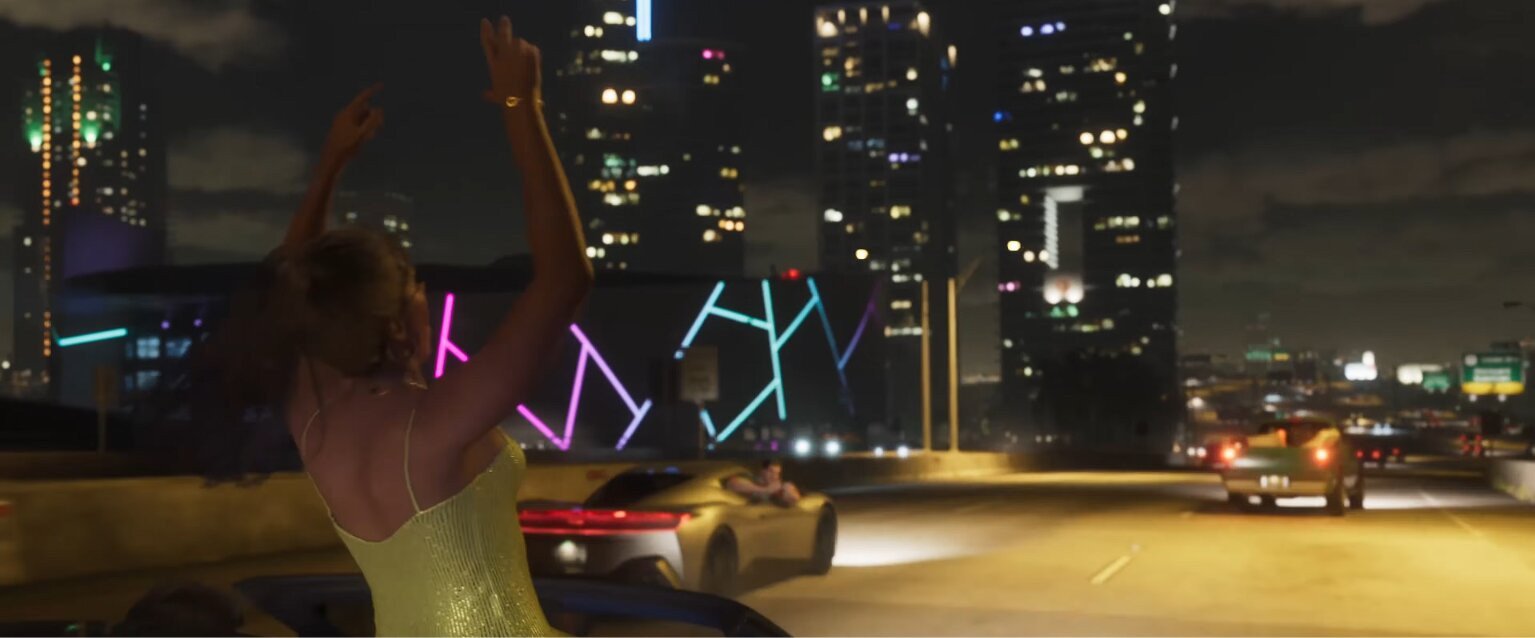
Nowadays, it’s almost impossible to see a AAA game that doesn’t have an Ultimate GOTY Gold Deluxe Absolute Ultra Edition. Usually, these editions propose some extra content or cosmetics for the character. Most of the time, they’re not worth it unless the Ultimate Edition includes access to future DLCs, but even then it’s a gamble. GTA 6 is no exception. It has two editions available for purchase:
- Standard Edition: $79.99
- Ultimate Edition: $99.99
Prices may vary depending on your console’s region, but they won’t be far off. Both versions also receive pre-order bonuses if you decide to buy a game before the release date. If you pre-purchased the game, you’ll get the Vintage Vice City Pack, which includes a car, garage, clothes, hairstyles, and a weapon pattern. You’ll also get 1 month of GTA+ if you’re a digital buyer. Seems like that’s more than enough fancy stuff, but then you look at Ultimate Edition, and there are even more rewards waiting for you. If you think that a $100 price tag is a bit too much to pay for a game, here’s what’s included in GTA 6 Ultimate Edition:
- '95 Grotti Cheetah
- Hawk & Little Morgan Revolvers
- Personalized Weapon Variants
- Vice City Styles
- Jason's Safehouse Vehicles
- Ganado Retro Build
- Rideout Customs Mod Shop
- Sara's Unisex Salon
- Shitzu Squalo
- Stock 305 Clothing Store
- '67 Vapid Dominator Buggy and Garage
- Electric Fang Tattoo Parlor
- One-Eyed Willie's Mod Shop
- Goodtime Gear
- PTT Youngin$ Compound
- Classic Car Collection
Apart from the usual cosmetics and cars, you get additional shops and services, which is the first time I’ve seen anyone put businesses as a separate edition reward. But yeah, unless you own an Ultimate Edition, you won’t get access to One Eyed Willie’s and Rideout Customs mod shops to customize your car, nor will you have access to unique clothes, styles, and tattoos. Fortunately, you can upgrade to Ultimate Edition later, and if I’m honest, the features aren’t game changers. They’re just a little extra icing on the cake. There’s, of course, a potential that with the multiplayer release you’ll get some more bonuses for owning it, but at launch, GTA 6 will be a purely single-player experience.
4. When to Preload GTA 6
Once you have enough free space on your console of choice, all you need to do is wait until the preload becomes available. It varies from region to region and from console to console, but one thing’s for sure: the preload starts at 12:00 AM on November 10. Here’s when GTA 6 preload becomes available on PS5 and Xbox:
- PS5: November 10, 12 AM local time
- Xbox Series: November 10, 12 AM GMT globally
On PS5, the preload becomes available once the clock strikes twelve in your console’s region. If you’re in a different region from your console, check the time difference. On Xbox, you can freely change your region, so if you just can’t wait to start downloading it, choose New Zealand in your console’s account & region settings and download it. The game itself comes out on November 19 at midnight local time on both platforms. If you can wait, then I suggest turning auto-downloads on your console and letting it do the job.
5. Check Your Account and Region
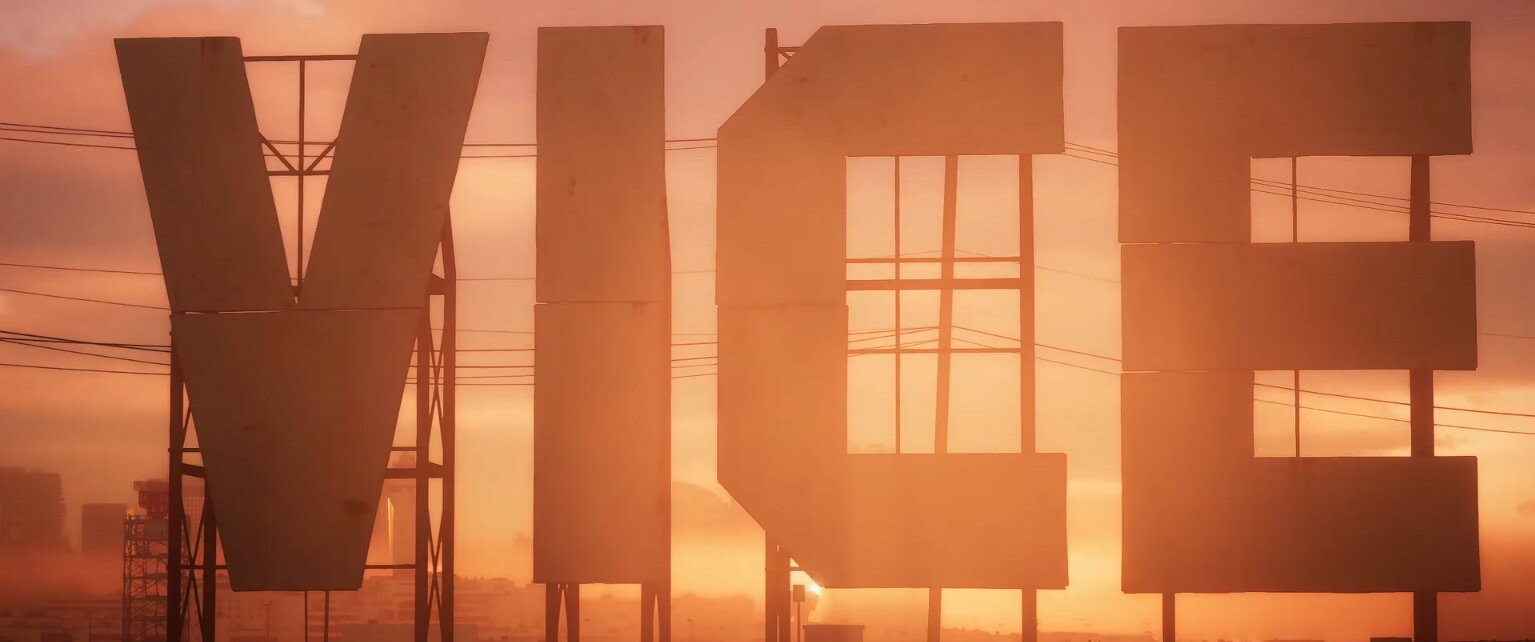
This section will save you blood, sweat, and tears from finding out that your game won’t work on your console due to region lock. This mostly concerns PS5 users, as Xbox doesn’t have region locks. It’s also only really a problem if you’re buying a physical box of the game. If you missed it, GTA 6 won’t have physical copies. At least for now. If you decided to buy a box with the game, you’ll quickly find out that it only contains a download code. Download codes are region-sensitive, so a game bought for the Japan region won’t even let you activate your code if you’re in the US. Be extra careful when buying the copy for your region.


You got -20% OFF 
6. Update Everything Before Launch
A few hours before GTA 6 releases, make sure your console is completely up to date. That means installing any system update, updating your controller firmware if you’re on a Pro controller, and checking that GTA 6 is already downloaded. You don’t want to stay up until midnight only to discover that your PS5 suddenly has another update before it lets you play. Also, check that you’re logged into the account that owns GTA 6 and that your console still has some free storage left after the preload. Don’t fill the drive to the absolute limit just because developers gave you a needed space requirement. Don’t forget that day 1 patches will require additional temporary space during installation. Finally, test your internet connection earlier in the day. You probably won’t need much bandwidth once GTA 6 is installed, but if Rockstar drops a day-one update, a broken Wi-Fi connection is the last problem you want to troubleshoot at launch.