GTA 6


How to Save Your Game in GTA 6 Quick Overview:
- GTA 6 uses a combination of manual saves and autosaves for players’ convenience.
- GTA 6 features only 15 save slots.
- Players aren’t allowed to manually save during missions — this is handled by autosaves.
- You can create manual saves by using the dedicated button in the settings menu.
Ready to start your playthrough, but don’t have an account? Skycoach’s GTA 6 Accounts are here to help you properly enjoy the largest launch in the history of video games.


Read closely 
Browse our hottest GTA 6 Boosting services






How Game Saves Work in GTA 6
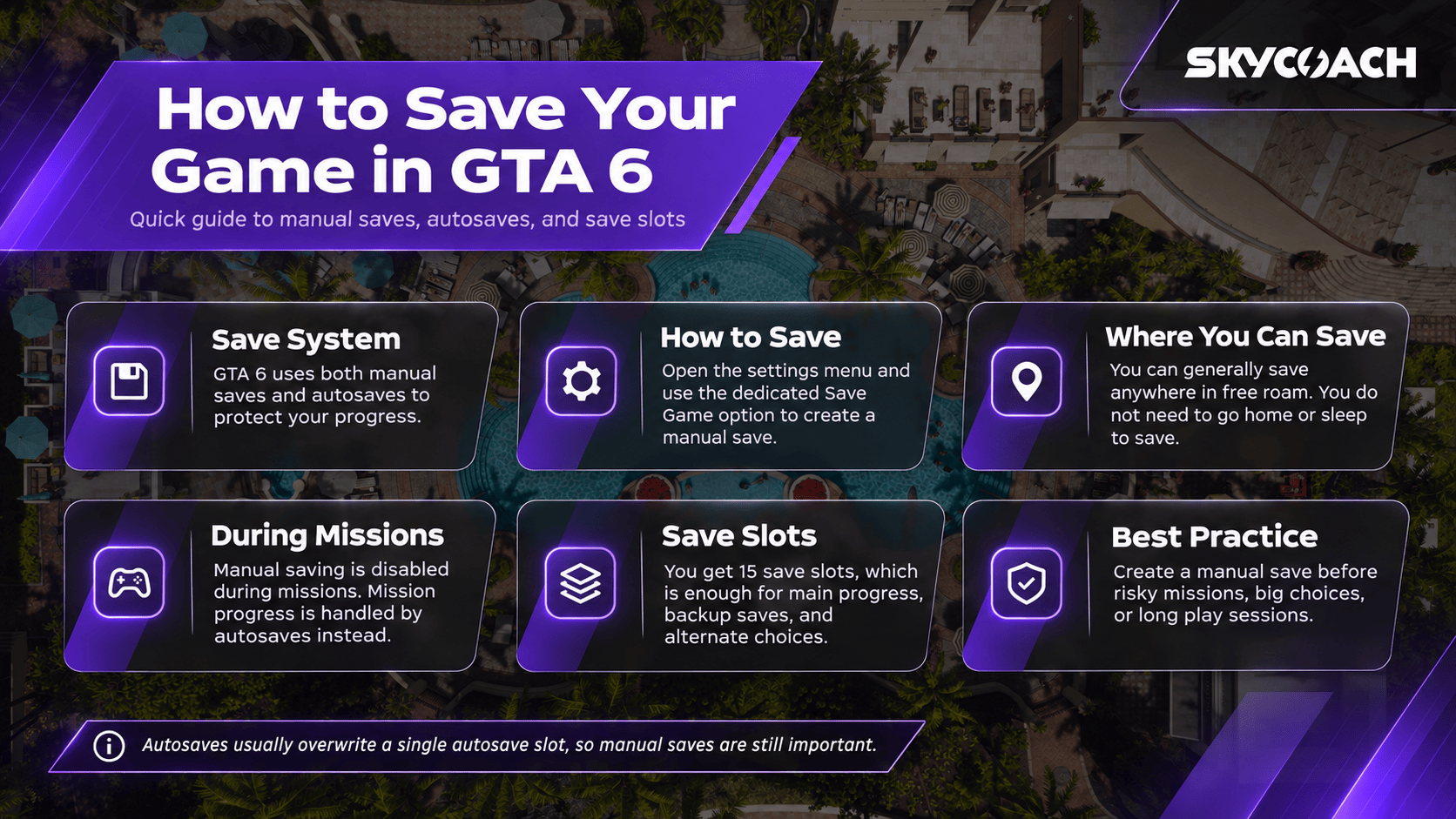
GTA 6 doesn’t invent anything new with its save system: it is a classic, well-balanced, and predictable combination of manual saving and autosaves. The convenience is there as well — saving takes just a few seconds, and it’s really hard to lose progress unless you just choose to never do manual saves at all.
15-Slot Limitation
First of all, GTA 6 provides players with 15 save slots, which is a middle-ground between unlimited saves (which tend to create unnecessary bloat) and more strict save systems. Essentially, with 15 slots, you have more than enough space to create multiple save states.
That will come in handy when you want to try a new route during a mission or make a different story choice without sacrificing your main save slot. Considering just how vast the game’s world is, and how long the story will take, being extra careful with your save files is very important — unless you are okay with losing several hours of progress to get a different ending.
Remember that sometimes it’s worth creating a separate save file just to do something silly, like messing around with explosives for a bit.
You Can Save Anywhere
GTA 6 generally allows you to save your progress at any point using the options menu, with no need to go somewhere specific to sleep. As long as you are out in the open world with no active missions, clicking the menu is all it takes. So, if you are tired of losing all your stuff by dying to cops, now you know how to avoid it.
Manual Saving is Disabled During Missions
At the same time, missions disable manual saves — probably because they would inevitably break something, or reduce the tension a bit. If you are about to start a mission and you haven’t saved prior to it, I’d recommend creating a manual save just in case — things can go south rather easily in GTA.
Reliable Autosaves
Even if you messed up and started a mission without a manual save, there’s no need to worry — GTA 6 has got you covered with its autosaves. From what I’ve seen so far, all of them are implemented really well, protecting you from unnecessary repetitions if you screw things up somehow.
Note, however, that autosaves only take one slot and overwrite each other. That’s bad news for those players who want to be able to return to a specific point in the mission, but most of us aren’t going to notice that. This is especially true right now, when the game is so fresh that all you want to do is move forward.