GTA 6
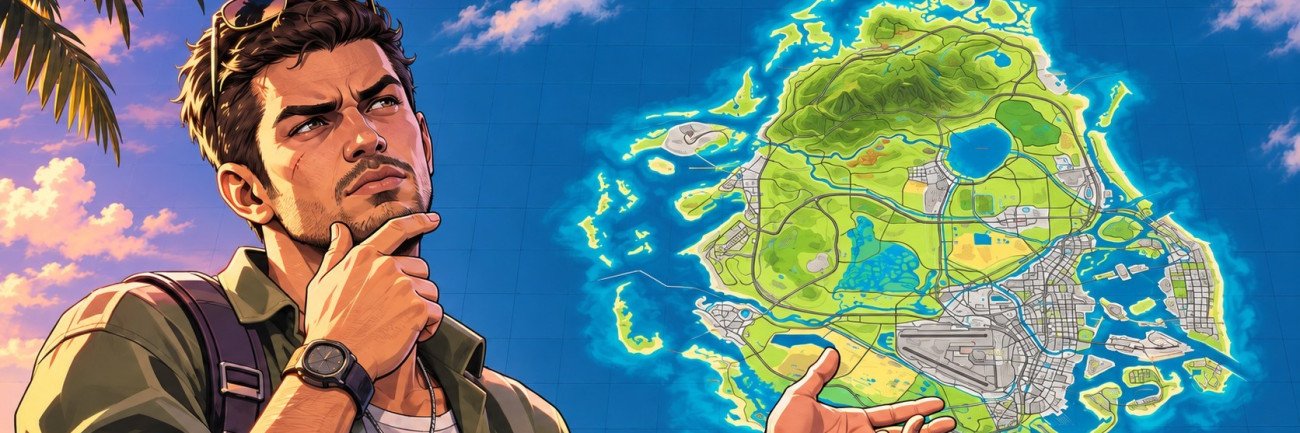
GTA 6 GeoGuessr Quick Overview:
- Look at the screenshots from the game and guess where they’ve been taken on the map of Leonida!
- Earn points the closer you are to the target!
- Choose between Normal, Hard, or Custom difficulty to test your game knowledge
- Compare your results with other players or play a guessing duel with another player!


Read closely 
Browse our hottest GTA 6 Boosting services






How to Use GTA 6 GeoGuessr
See how well you know the GTA 6 map by playing a little game not unlike the popular GeoGuessr, but for the State of Leonida. If you’ve never tried that before, it’s just a fun game where you look at a photo (a screenshot in our case) and try to point on a map to what that screenshot shows. Use your deduction skills, look for identifiable landmarks that may be somewhere in the background or, hell, some people have been able to use the position of the clouds! The more accurate your guess is, the more points you get!
Now, here’s how to play the game:
- Enter your username and select the difficulty - normal, hard, or custom.
- When the game starts, you’ll have a screenshot on your left. Leave a pin on the map on the right by clicking on it.
- Once the pin is on the map, the game gives you the score and tells you how far or close to the actual place you are.
- Click the “Next Round” button to try another screenshot.
- When you finish the last round, you’ll see the summary screen with a breakdown of each round.
That’s pretty much it. Remember, you can zoom in on the screenshots to take a closer look. Tip: Look for road signs and landmarks; they can help you. The map itself has all the street names and named areas on it; that should help you out. Also, if you played the original game, that might help you as well, as a lot of the iconic landmarks and places from that game are in GTA 6!


You got -20% OFF